





Customer care support team on live chat(CSC)


Roll over image to zoom in
How to contact customer support team on live chat
Open your vietnine shopping app. On your homepage, you’ll find the person icon below at the extreme right corner, click on it and go to your account settings.
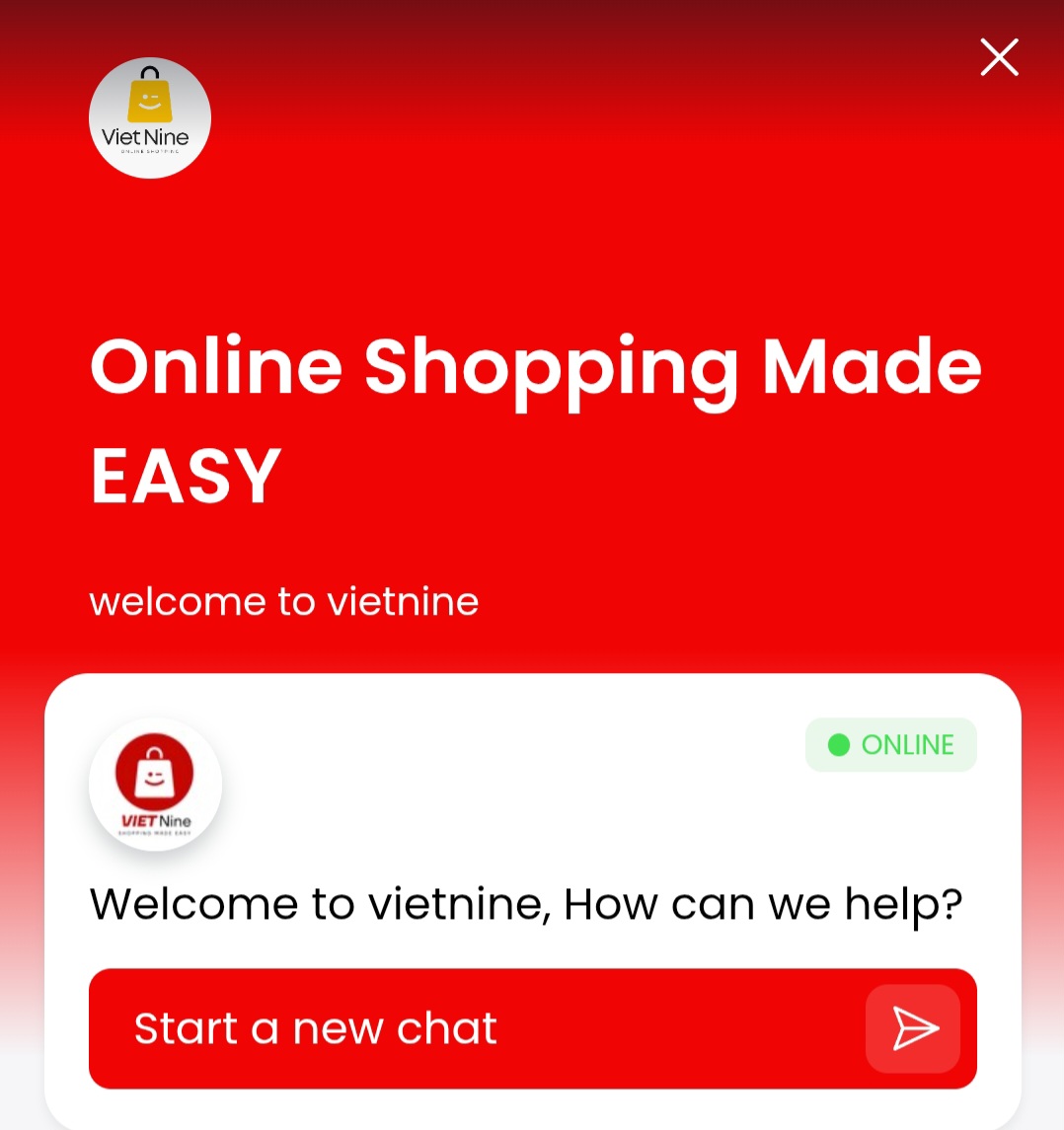
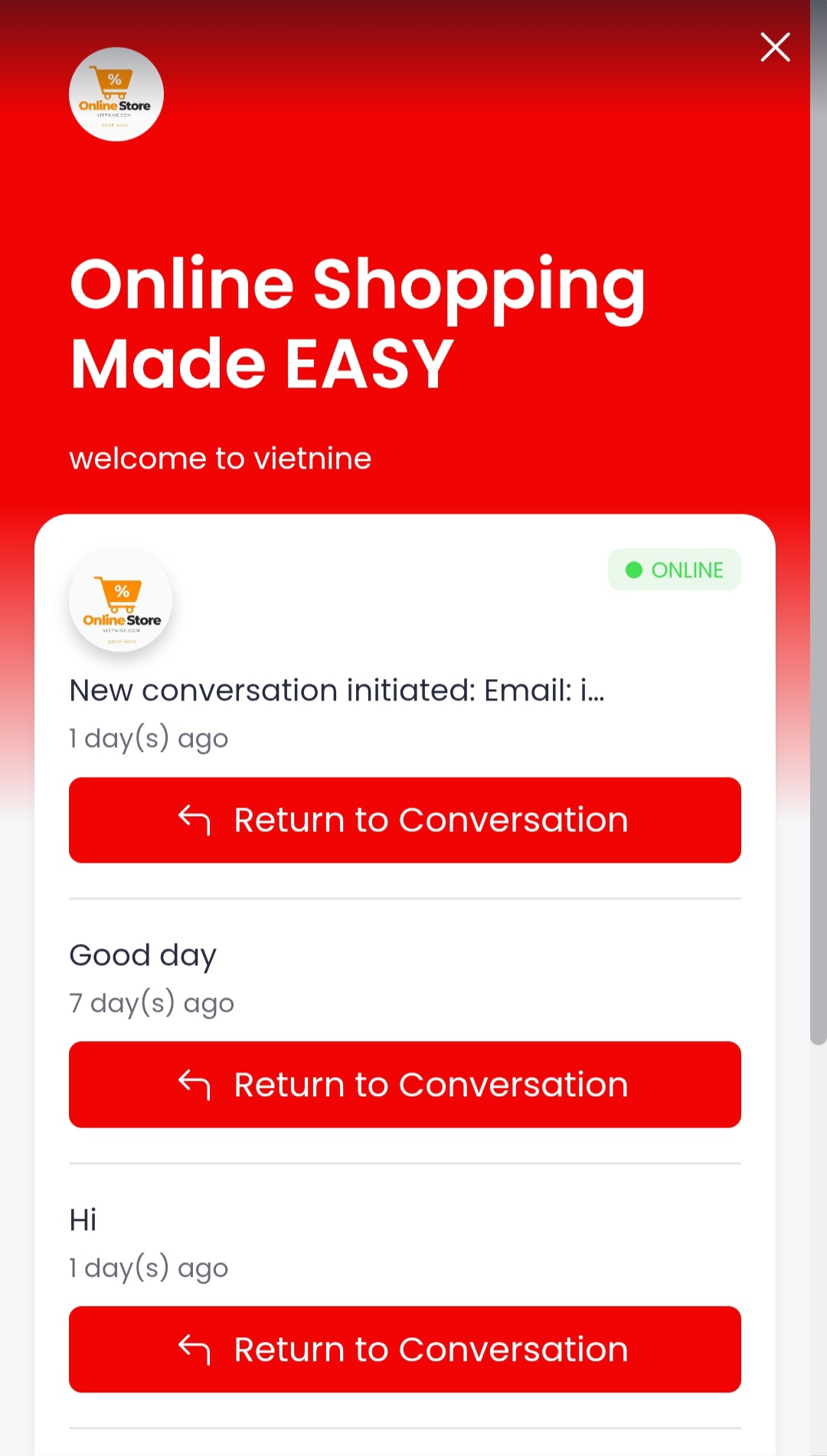
Kindly scroll down. You’ll find > About us < click on it. You’ll find the live chat icon below the extreme left corner.
Click on the live chat message icon to chat with our support team for all enquiries.
©vietnine.com-하나의 앱, 하나의 목표














Reviews
There are no reviews yet.